GSplus
Apple IIgs Emulator - Cross Platform - Modern Features
Apple IIgs Emulator - Cross Platform - Modern Features
GSplus v1.38.0 binary releases
Note: modern operating systems require codesigning, so you may see security warnings on first launch.
If you need help getting GSplus running, follow the directions at github.com/digarok/gsplus#downloads.
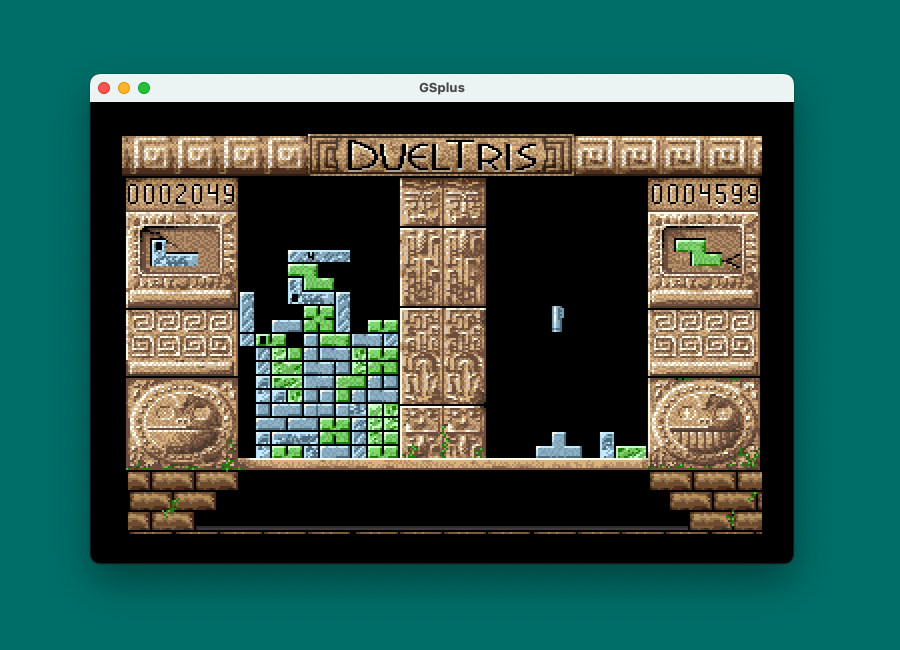
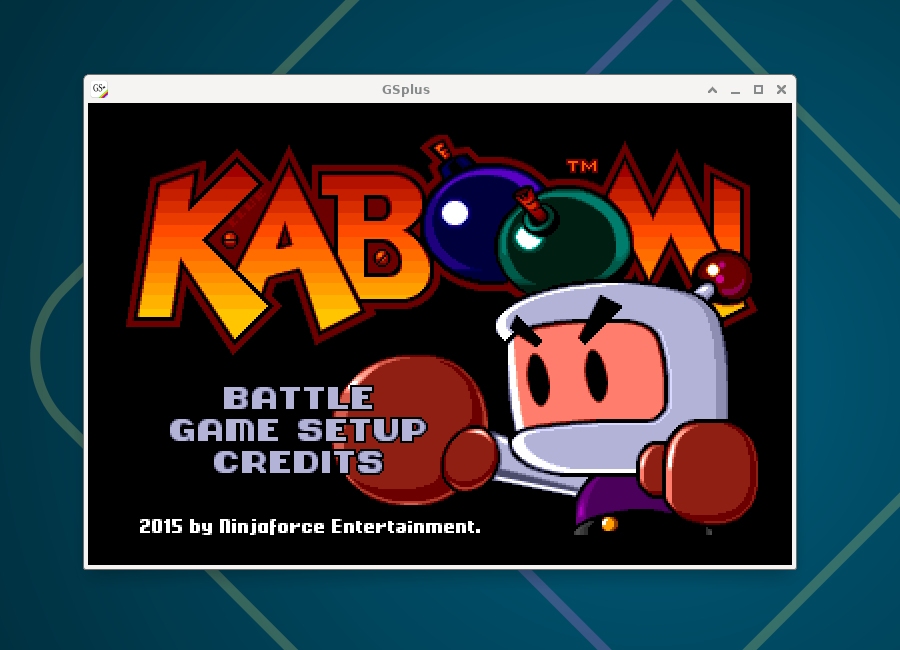
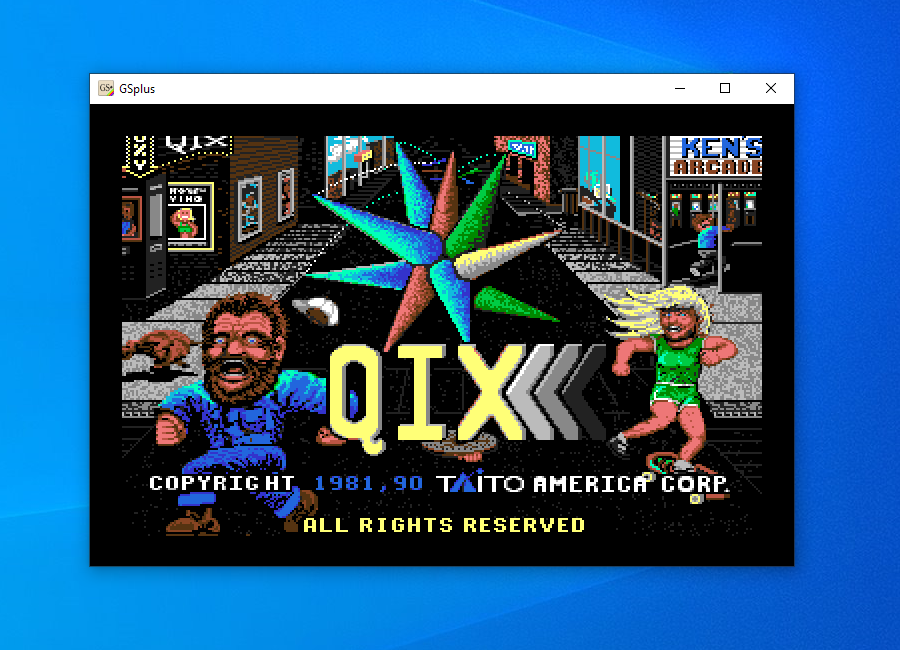
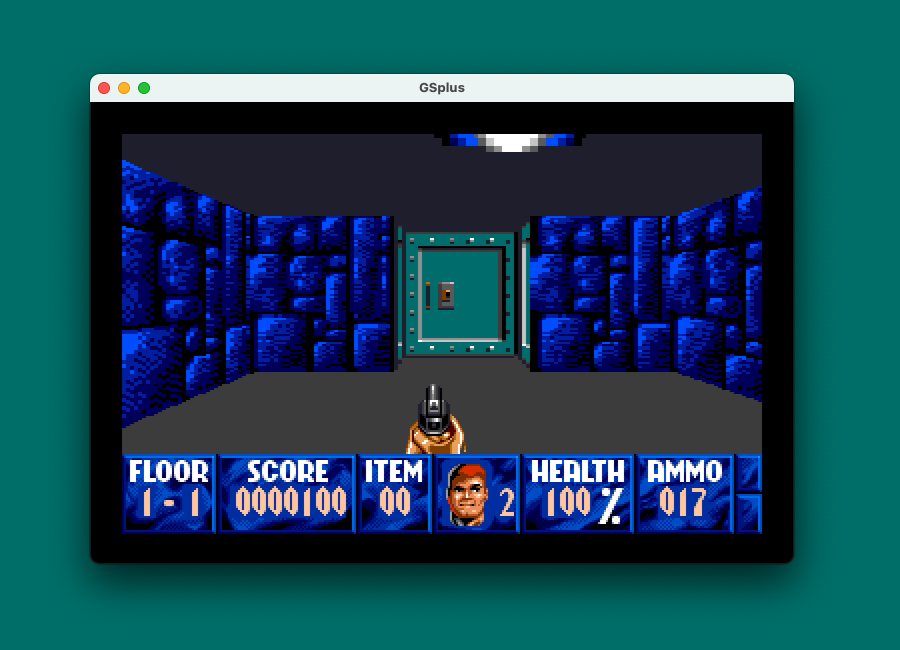
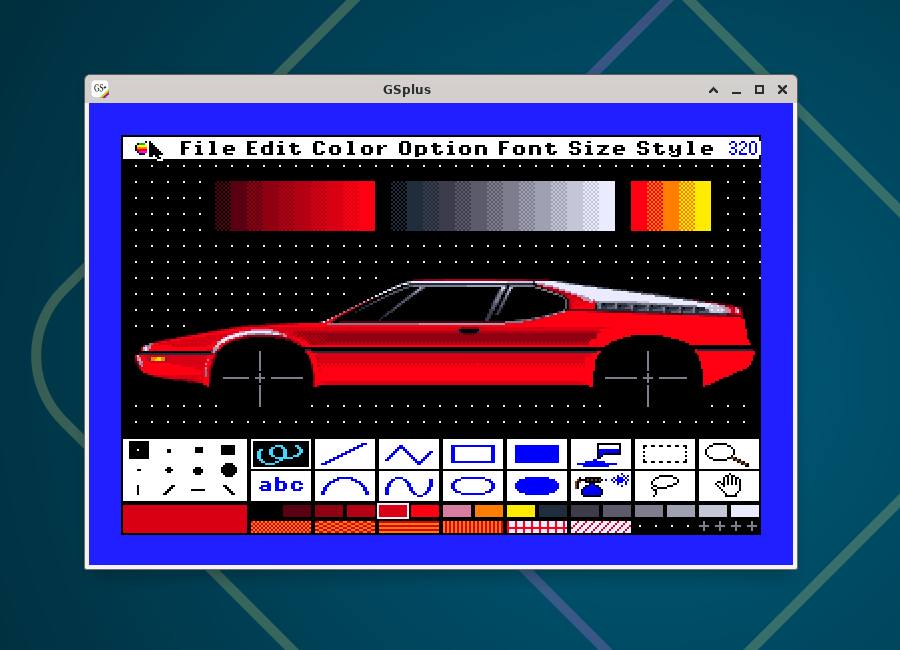
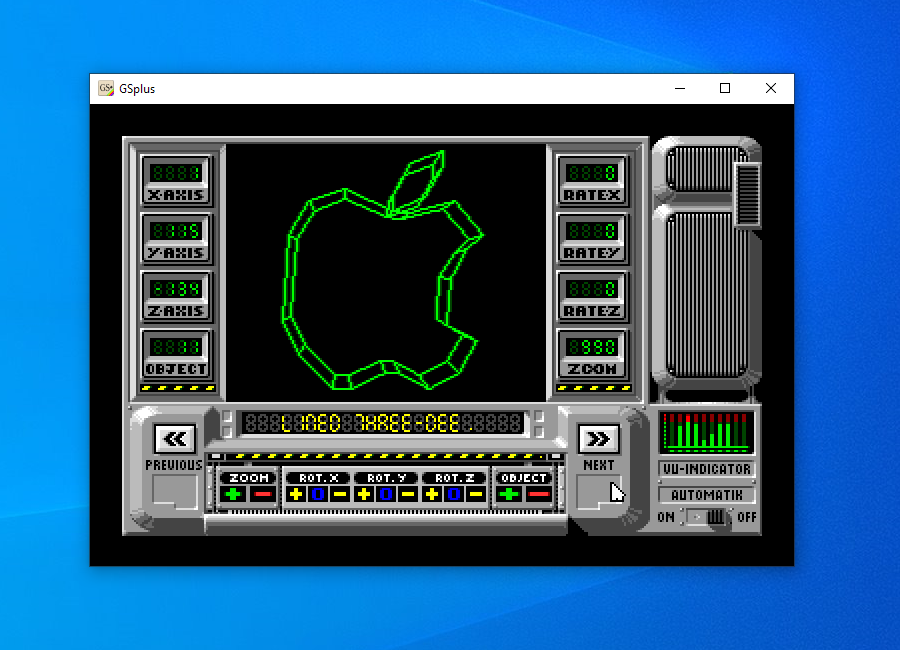
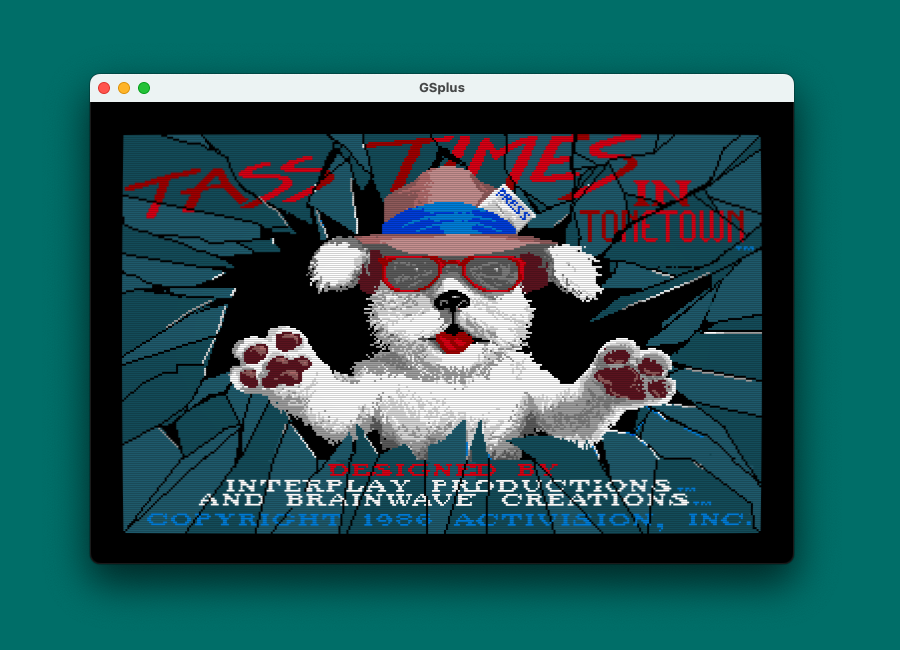
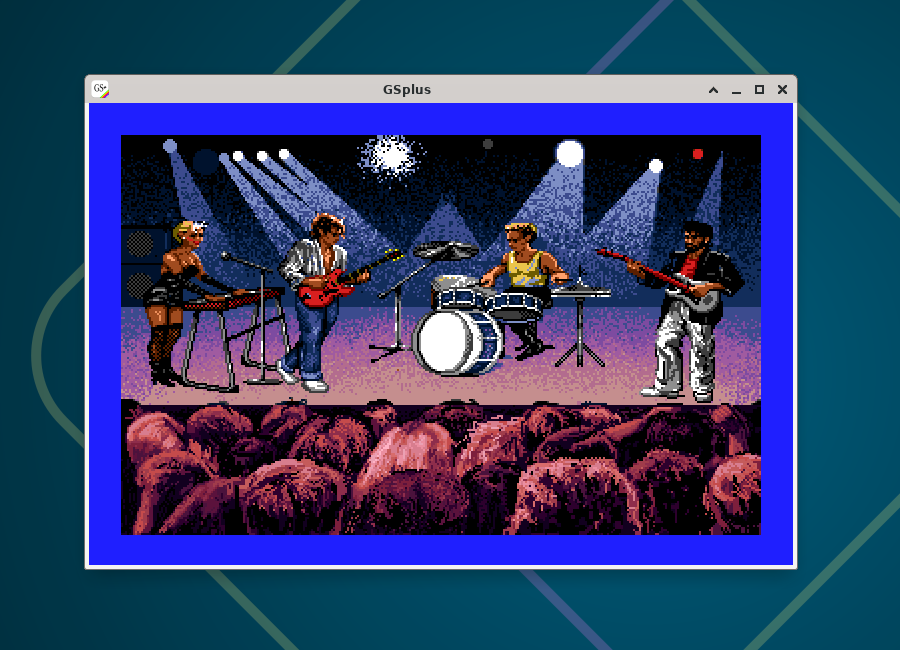
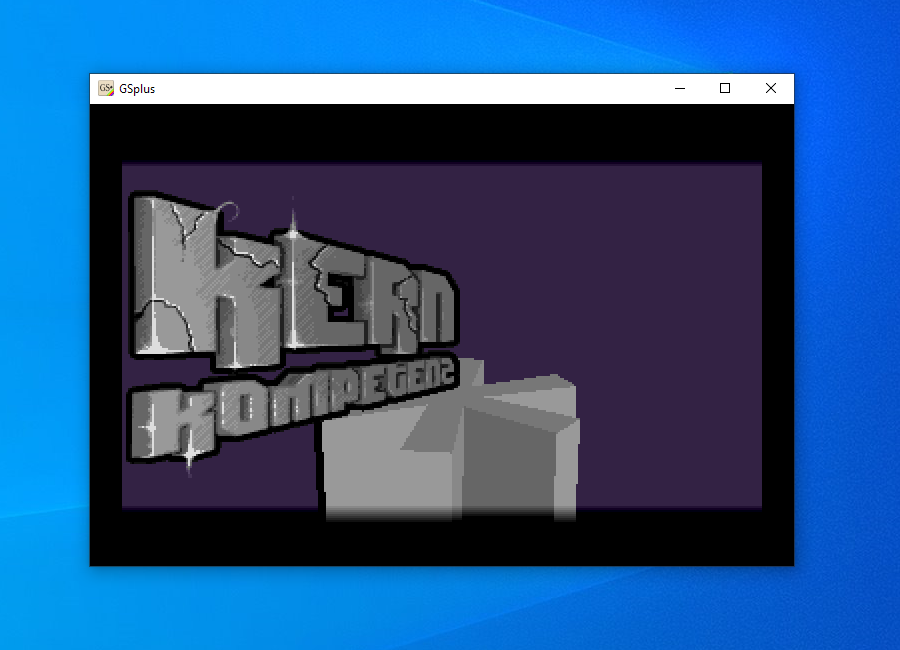
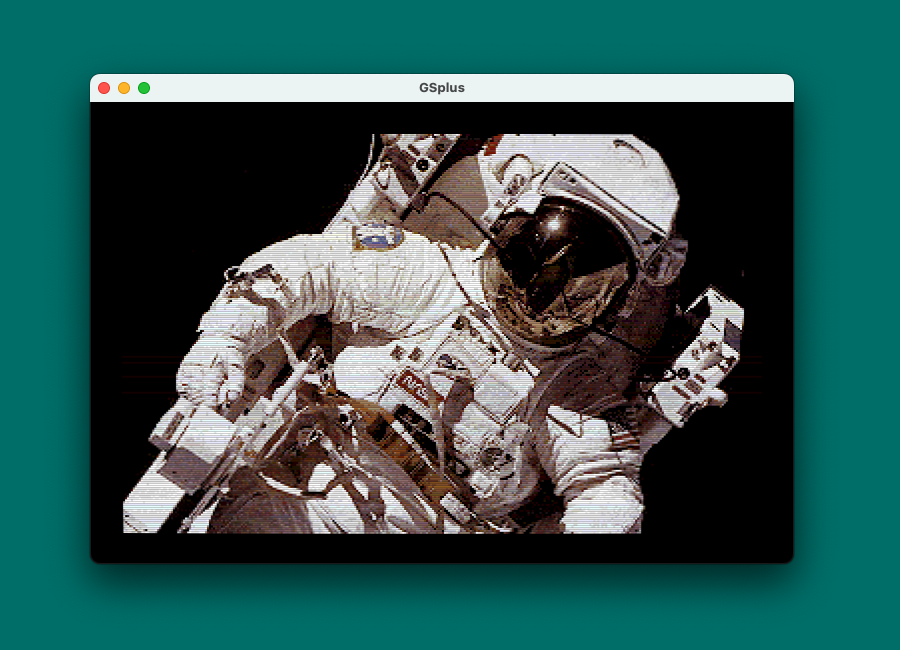
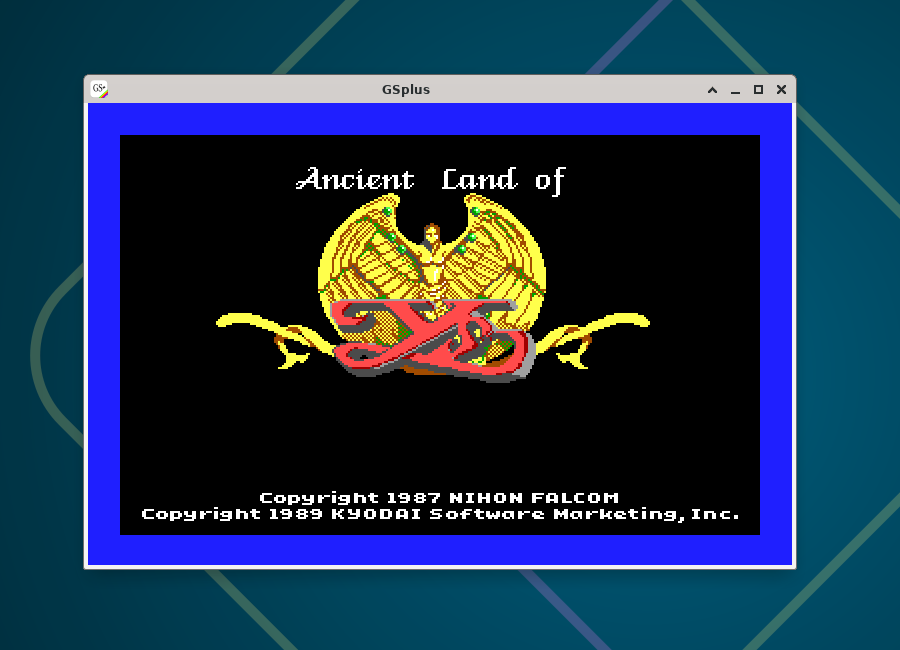
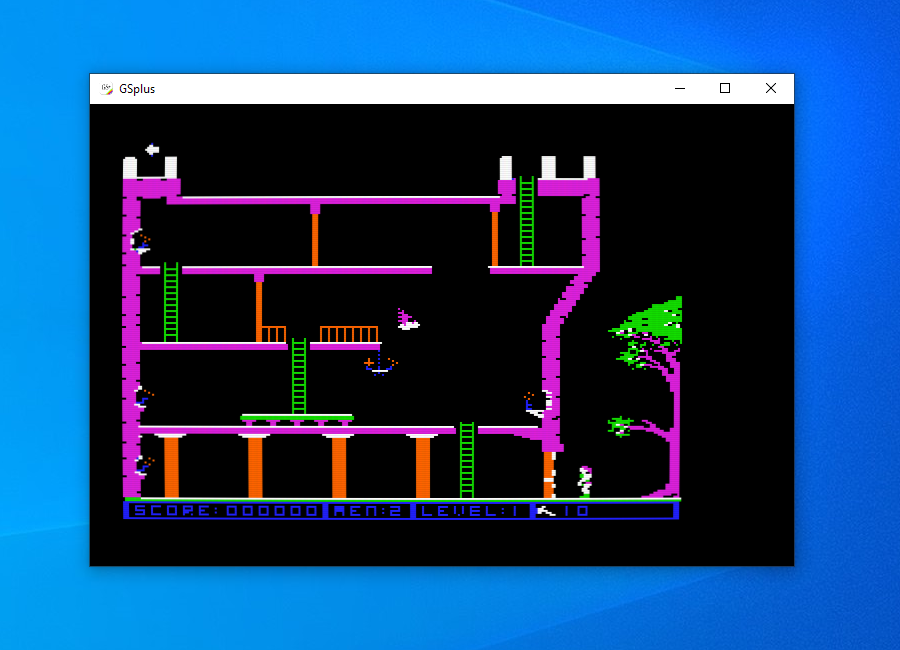
The Apple IIgs was Apple's 16-bit computer - a 65816 CPU, 4,096-color Super Hi-Res graphics, and a 32-voice Ensoniq synthesizer, all backwards-compatible with the 8-bit Apple II library. GSplus brings that whole world to your modern desktop: boot GS/OS, play the games, run the demos, and write some code.
Under the hood is the latest KEGS core, Kent Dickey's remarkably accurate Apple IIgs emulator. GSplus tracks the latest version (now 1.38), inheriting rock-solid emulation along with features like the built-in debugger, Video Overlay Card support, and DynaPro, which mounts folders from your computer as ProDOS volumes.
GSplus adds an all-new SDL3 front end - one codebase for video, audio, and input that runs identically on macOS, Linux, and Windows. It add some fun extras: curved-CRT renderer, plug-and-play gamepad support, drag-and-drop disk loading, and prebuilt packages so you never have to compile a thing.
- built on the latest KEGS 1.38 core with new features like Video Overlay Card support and mapping host folders as ProDOS volumes (DynaPro)
- all-new SDL3 driver: a single cross-platform build that compiles and runs identically on macOS, Linux, and Windows
- prebuilt binaries for every platform: universal macOS .dmg, Windows x64, and Linux x86_64 + arm64
- curved CRT renderer with screen curvature, RGB phosphor mask, bloom, and configurable vignette (Ctrl+F11), plus the scanline simulator (Shift+F11) - both rendered at full host resolution
- horizontal and vertical linear blur video options
- cross-platform gamepad support - SDL_Gamepad mapped to the IIgs joystick, with a new Auto mode that uses the gamepad when connected and falls back to the keypad
- drag-and-drop disk loading with automatic slot detection
- screenshot capture (F10)
- terminal debugger REPL for the built-in 65816 debugger
- window & display options: fullscreen (F11), borderless, no-aspect, and window positioning
- dedicated SDL display options config submenu with configurable menu colors
- ⌘ key combos pass through to the IIgs on macOS
- auto-hide the host OS mouse cursor
- command line improvements: -h/--help flag listing, and auto-create missing config files
- all-new app icon
- tons of fixes: macOS emulated clock, audio stutter on Windows and macOS, VOC SHR shadowing, and more
Use the "Around the Web" links below to find me. It shouldn't be too hard. ;)